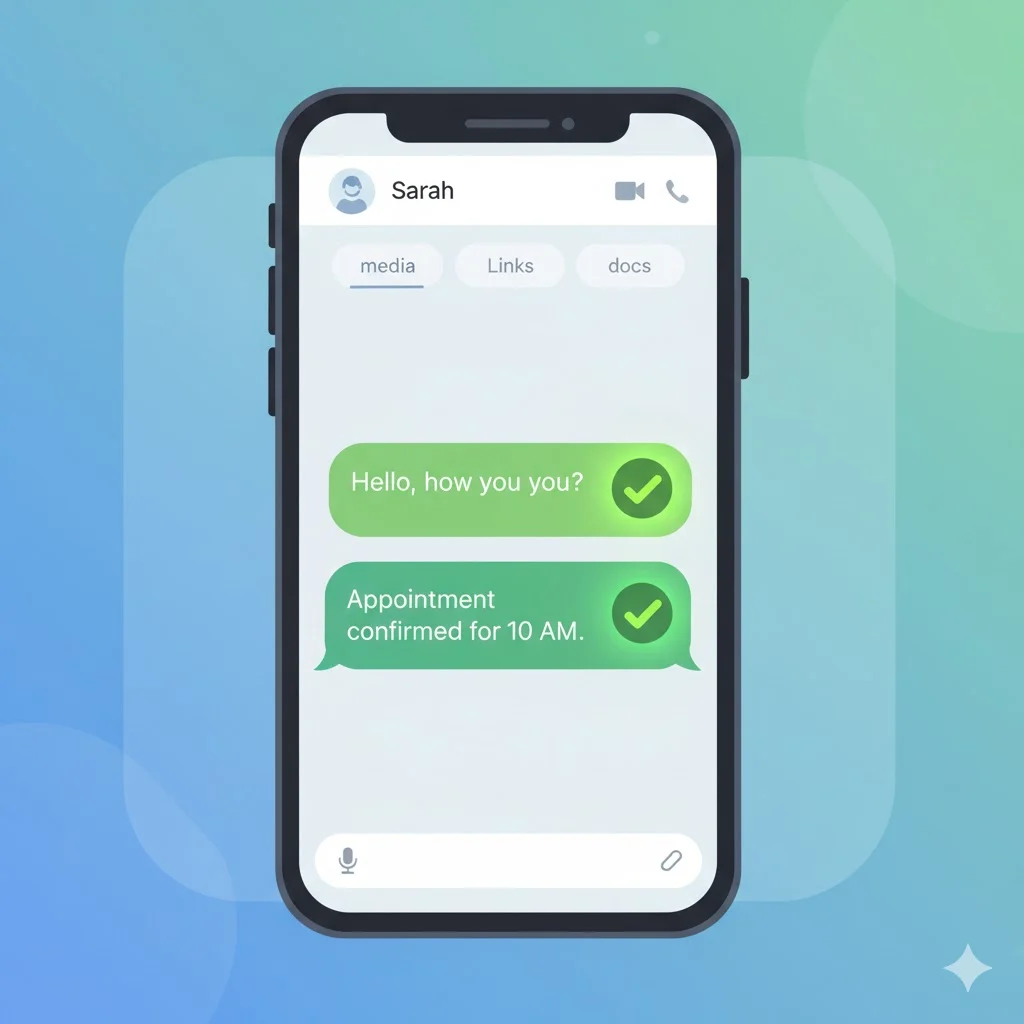
Have you ever sent a WhatsApp message and noticed two small check marks appear below it and wondered: Does this mean they read my message or just received it? 🤔 Many WhatsApp users see these marks and get confused about what they actually signify. Don’t worry — you’re not alone. These little symbols carry important info about your message status. Understanding them will make chatting on WhatsApp easier and prevent unnecessary anxiety.
Quick Answer:
On WhatsApp, two grey checks mean your message was delivered to the recipient’s phone, while two blue checks mean your message was read or seen.
What Do Two Checks Mean on WhatsApp?
WhatsApp uses a check mark system to show message status:
- One grey check: Message sent successfully from your phone.
- Two grey checks: Message delivered to the recipient’s phone.
- Two blue checks: Message read or seen by the recipient.
Example:
You send: “Hey, are we meeting today?”
- One grey check → sent
- Two grey checks → delivered
- Two blue checks → read
In short:
Two Checks on WhatsApp = Message Delivered
Two Blue Checks = Message Read/Seen
Where Are Two Checks Commonly Used?
Two checks appear automatically in WhatsApp chats and are visible:
- ✅ Private one-on-one chats
- ✅ Group chats (check marks behave slightly differently)
- ✅ WhatsApp Web/Desktop
- ✅ Forwarded messages
Tone:
- Informational only
- No slang or informal usage
- Universal across WhatsApp users
Examples of Two Checks in Real Chat
A: “Hey, did you get my file?”
B: (sees two grey checks)
Meaning: Delivered, not necessarily read.
A: “Are you coming?”
B: (two blue checks appear)
Meaning: Recipient has read your message.
A: “Good morning ☀️”
B: (two grey checks)
Meaning: Message delivered, waiting for reply.
A: “Check this link”
B: (two blue checks)
Meaning: Recipient read the message and can respond.
When to Use and When Not to Use WhatsApp Check Marks
✅ When to Use
- To track if your message is delivered
- To confirm the recipient received information
- To understand if someone read your message
❌ When Not to Overthink
- Don’t stress if only grey checks appear — recipient may be offline
- Don’t assume they ignored you if blue checks haven’t appeared
- Avoid checking constantly in group chats
Comparison Table
| ContextCheck Mark StatusWhat It Means | ||
|---|---|---|
| One-on-one chat | Two grey checks | Delivered to phone |
| One-on-one chat | Two blue checks | Message read/seen |
| Group chat | Two grey checks | Delivered to at least one person |
| Group chat | Blue checks | All members read the message |
Similar WhatsApp Symbols or Terms
| Symbol | Meaning | When to Use |
|---|---|---|
| One grey check | Message sent | Normal chats |
| Two grey checks | Message delivered | Standard chats |
| Two blue checks | Message read | Private chats |
| Clock icon | Message sending | Waiting for network |
| Microphone icon | Voice message played | Audio tracking |
FAQs
1. Does two grey checks mean read?
No, it only means the message was delivered to the recipient’s phone.
2. How do I know if someone read my message?
When two checks turn blue, the message has been read.
3. What if the check marks stay grey?
It means the message hasn’t been delivered — maybe the recipient’s phone is off or no internet connection.
4. Do two checks appear in group chats the same way?
Not exactly. Two grey checks appear when all members receive the message; blue checks only appear when everyone reads it.
5. Can someone hide read receipts?
Yes, if read receipts are turned off, two blue checks won’t appear even if they read the message.
6. Does this apply to WhatsApp Web?
Yes, the check mark system works the same on desktop or web versions.
Conclusion
Two checks on WhatsApp are a simple yet powerful feature to help you track message delivery and reading status. Understanding them helps avoid confusion, ensures smooth communication, and reduces unnecessary worry about whether your message was seen. Remember:
- Two grey checks = delivered
- Two blue checks = read
With this knowledge, you can chat confidently and know exactly what’s happening behind the scenes in every WhatsApp conversation. ✅